Provider Selection & Ordering
We check what is available at your address, compare providers on fit, reliability and cost, and place the order for you.
Managed Internet · Business Fibre · LTE & Wireless · Failover
We look after your internet connection for you. We help you choose and order the right line from providers such as MetroFibre and Afrihost or a local supplier, set up and monitor your router and network on MikroTik and Ubiquiti equipment, log and chase faults for you, and keep you connected with failover and backup power. One technical contact instead of a call centre.
A managed internet service means we look after your internet connection on your behalf. We help you choose and order the right line, set up and monitor your router and network, log and follow up faults with the provider, and keep you connected, so you deal with one technical contact instead of a support queue.
Most businesses do not have anyone who understands lines, routers and provider contracts. When the internet drops, someone phones a call centre, waits, gets a reference number and chases it for days. Meanwhile staff cannot work, card machines fail and security cameras cannot be viewed. We take that burden away.
We are independent of any one provider. We work with fibre network operators and internet service providers such as MetroFibre and Afrihost, as well as local suppliers, and recommend what suits your address, budget and needs. Reliable internet also supports CCTV remote viewing and access control, and it sits inside our wider security solutions.
We check what is available at your address, compare providers on fit, reliability and cost, and place the order for you.
We liaise with the provider and installer, arrange site access and make sure the line and equipment are placed properly.
When the link fails, we log the fault, follow it up with the provider and keep you informed.
MikroTik and Ubiquiti setup with secure segments, guest Wi-Fi, bandwidth rules and remote management.
A second link, such as LTE, fibre or wireless, takes over automatically if the main line fails.
We watch your link for outages, latency and usage, and report so problems are spotted early.
Ubiquiti UniFi Wi-Fi planned for coverage and capacity across offices, shops, lodges and homes.
UPS or battery backup for routers, fibre equipment and access points, so you stay online through load-shedding.
The provider supplies the line. We look after everything around it, and we make sure the arrangement is clear in writing.
| Task | Internet provider | Nexus Core Technologies |
|---|---|---|
| Supplying the line and bandwidth | Provides and maintains the connection | Helps you choose and order the right line |
| Router, firewall and network | Usually supplies a basic router or ONT | Designs, configures and secures your network |
| Faults | Repairs line and network faults | Logs, follows up, escalates and keeps you informed |
| Monitoring | Monitors its own network | Monitors your link and equipment and reports |
| Failover and backup power | Not usually included | Designs and installs failover and power backup |
| Contract and billing | Agreed per client | Agreed per client and confirmed in writing before anything is ordered |
The best connection depends on what is available at your address and what your business needs. Many sites use two types for resilience.
| Link type | Best for | Strengths | Consider |
|---|---|---|---|
| Business fibre | Offices, shops and sites with fibre coverage | Stable, low delay and suited to cloud, VoIP and CCTV | Depends on coverage at your address and installation lead time |
| Fixed wireless | Sites without fibre or needing a second route | Can be installed where fibre is not available | Needs line of sight and good equipment placement |
| LTE / 5G | Backup links, temporary sites and areas without fixed lines | Quick to deploy and works as automatic failover | Performance varies with signal and data limits |
| Satellite | Remote sites outside fixed and mobile coverage | Works almost anywhere with a clear view of the sky | Delay and cost can be higher than fixed links |
MetroFibre, Afrihost, MikroTik, Ubiquiti and other product or company names are trademarks of their respective owners and are used only to describe providers and equipment we work with. We are independent and are not affiliated with or endorsed by these companies unless stated.
Provider installation times are outside our control, so we manage them and keep you updated. Timelines below are indicative.
Reliable connectivity and Wi-Fi for people who work from home and cannot afford downtime.
A properly configured network with failover for offices, shops and practices.
Multiple sites and links managed together, with secure site-to-site connections.
Governed connectivity with documented standards, redundancy and provider management.
A single line is a single point of failure. We design for the failures we see every week.
If the main link drops, a second link takes over without anyone touching anything.
UPS or battery power for the fibre equipment, router and access points keeps you online while power is out.
We see outages, latency and usage so problems are caught early.
Rules that prioritise critical traffic, such as VoIP and point-of-sale, over streaming and downloads.
Routers and firewalls are configured sensibly and kept updated.
Staff, guests, cameras and doors are kept on separate protected networks.
VPN connections between branches and for safe remote access.
We avoid exposing devices to the internet and set up safer ways to reach them.
We look at what you use the internet for, how many people and sites depend on it and what has gone wrong before.
We check availability at your address and recommend the right provider and link types, with failover where it matters.
We place the order, coordinate with the provider and installer and manage the install date.
We set up your router and network, secure it, test failover and back up the configuration.
We watch your link, log and chase faults and report on performance.
We build networks on MikroTik and Ubiquiti equipment and work with the providers available at your address.
MetroFibre, Afrihost, MikroTik, Ubiquiti and other product or company names are trademarks of their respective owners and are used only to describe providers and equipment we work with. We are independent and are not affiliated with or endorsed by these companies unless stated.
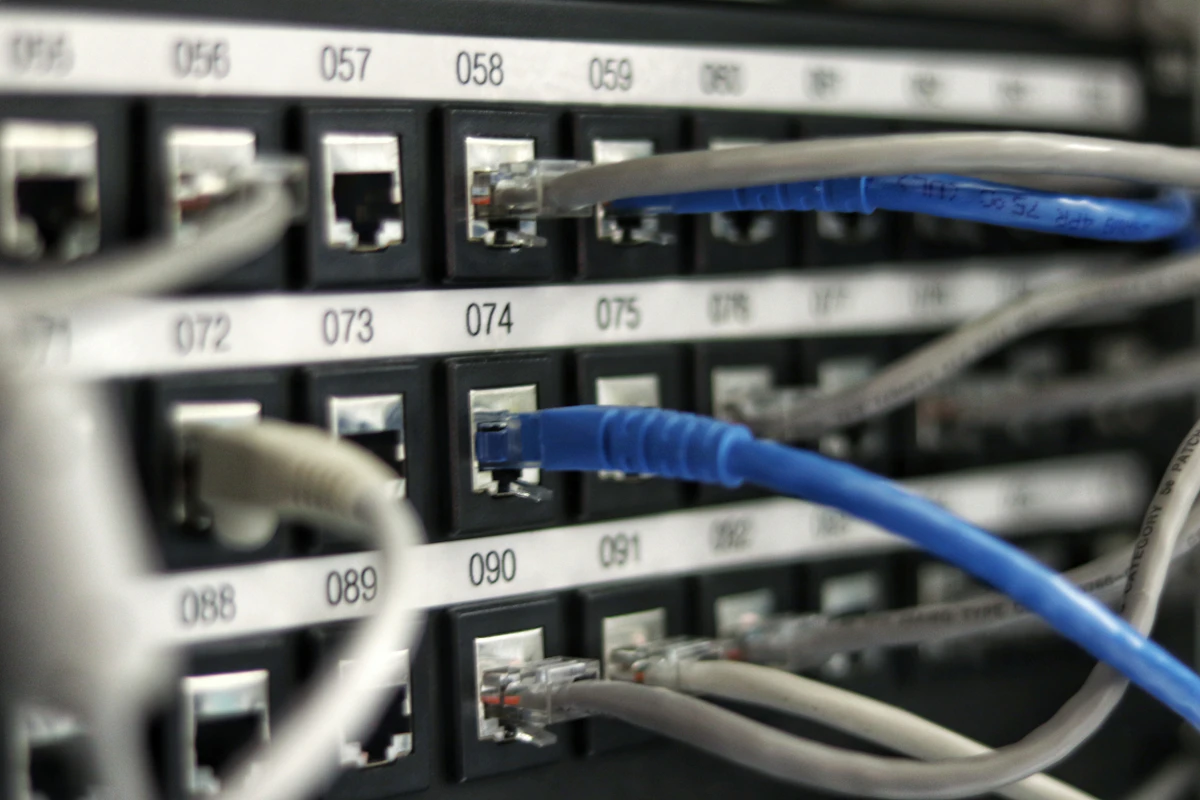
We install and support networks on site across KwaZulu-Natal from our base on the South Coast. Link management, monitoring and fault handling can be done remotely for sites elsewhere.
Once a site is set up, monitoring, fault logging and configuration are handled remotely. On-site work outside KZN is by arrangement.
A managed internet service means we look after your internet connection for you: choosing and ordering the line, configuring your router and network, monitoring the link and following up faults with the provider. You deal with one technical contact instead of a call centre.
No. The provider still supplies the line. We act as your technical representative, helping you choose and order the right line, setting up your network and handling faults and follow-up on your behalf.
We work with fibre network operators and internet service providers such as MetroFibre and Afrihost, and with local suppliers, depending on what is available at your address. We recommend based on fit, reliability and cost, not loyalty to one company.
Yes. If your provider is good, we can manage your network and faults around it. If it is not, we can help you compare alternatives.
It depends on the fibre networks in your area. We check coverage with the available operators and tell you what options exist, including wireless and LTE where fibre is not available.
It depends on availability and your needs. Fibre is usually the first choice where it exists, fixed wireless and LTE help where it does not and make good backups, and satellite suits remote sites. Many businesses use two types for resilience.
Failover means a second connection takes over automatically if the main one fails. For example, an LTE link can keep a shop trading and cameras viewable when the fibre line drops.
When the link fails, we check whether the problem is at your site or with the provider, log the fault, follow it up and escalate where needed, and keep you updated until it is fixed.
Only if the equipment at your site stays powered and the provider’s network stays up. We size battery or UPS backup for your router, fibre equipment and access points, and a second link helps if the provider’s network is affected. See our solar and backup power work.
The arrangement is agreed and confirmed in writing before anything is ordered, so you always know who you contract with, what you pay and what is included.
Line pricing is set by the provider and varies by technology, speed and address. We quote our setup and management service separately, so you can see each cost clearly. Request a connectivity review for a written quote.
Yes. We manage multiple links and sites together, with site-to-site VPN, central monitoring and a single point of contact.
Yes. We plan Ubiquiti UniFi Wi-Fi for coverage and capacity, and separate staff, guest and device networks. Poor Wi-Fi is often a design problem, not an internet-speed problem.
Installation time depends on the provider, the type of connection and your site. We manage the order and keep you updated, and we tell you what to expect before you commit.
Yes. Remote viewing depends on a stable connection with enough upload speed, so we plan the link, failover and network around it. See our CCTV and surveillance services.
Yes. Monitoring, fault logging and configuration can be handled remotely for sites elsewhere in South Africa. On-site work outside KZN is by arrangement.
Book a free connectivity review. We will look at your current setup and send a clear recommendation and quote.
Request a Connectivity ReviewSecurity SolutionsCCTV & SurveillanceNetwork ArchitectureSolar & Backup Power Project Gallery All Services Contact Us